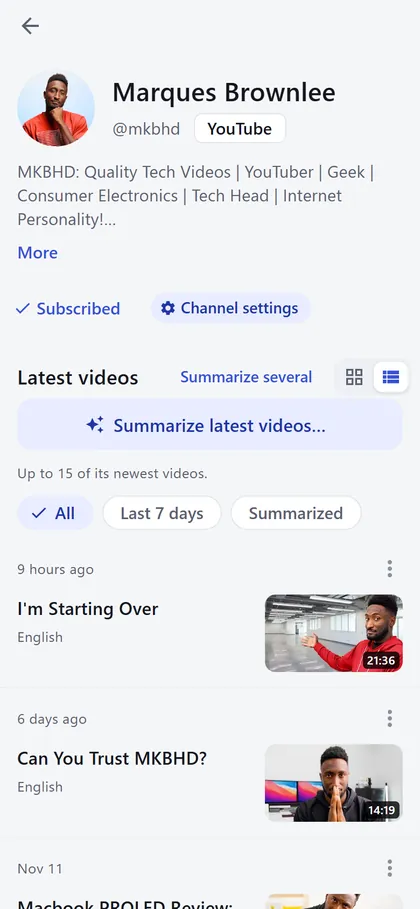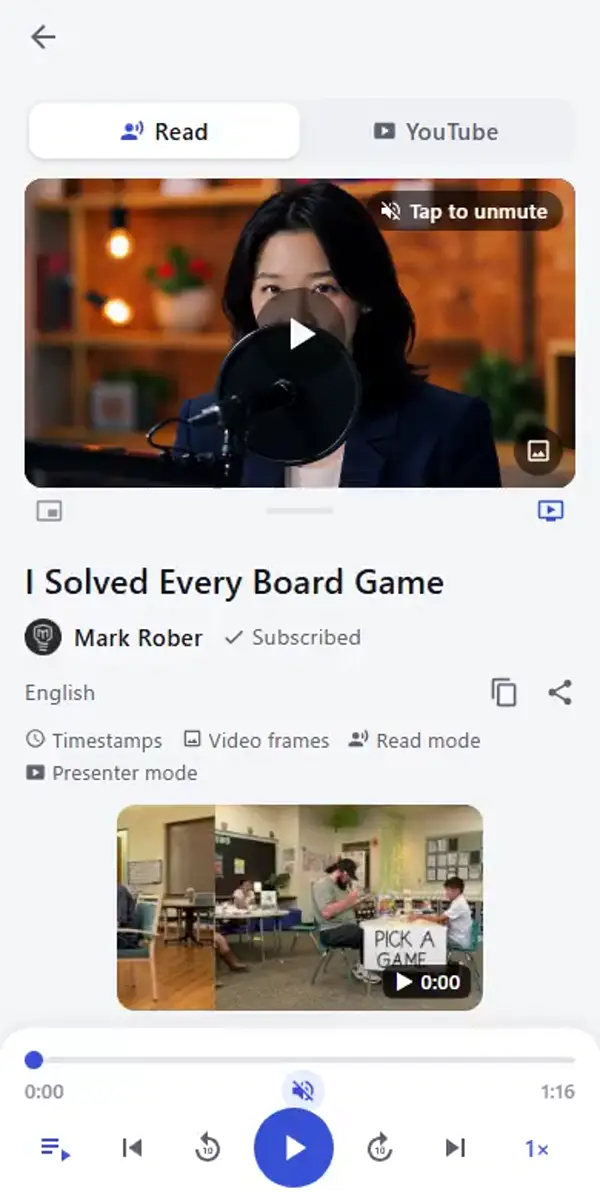

Students watch more video than ever: recorded lectures, university channels, tutorials, exam walkthroughs. The problem is rarely finding a video; it is finding the hour to watch all of it. Summaries help in three ways.
Review before you watch
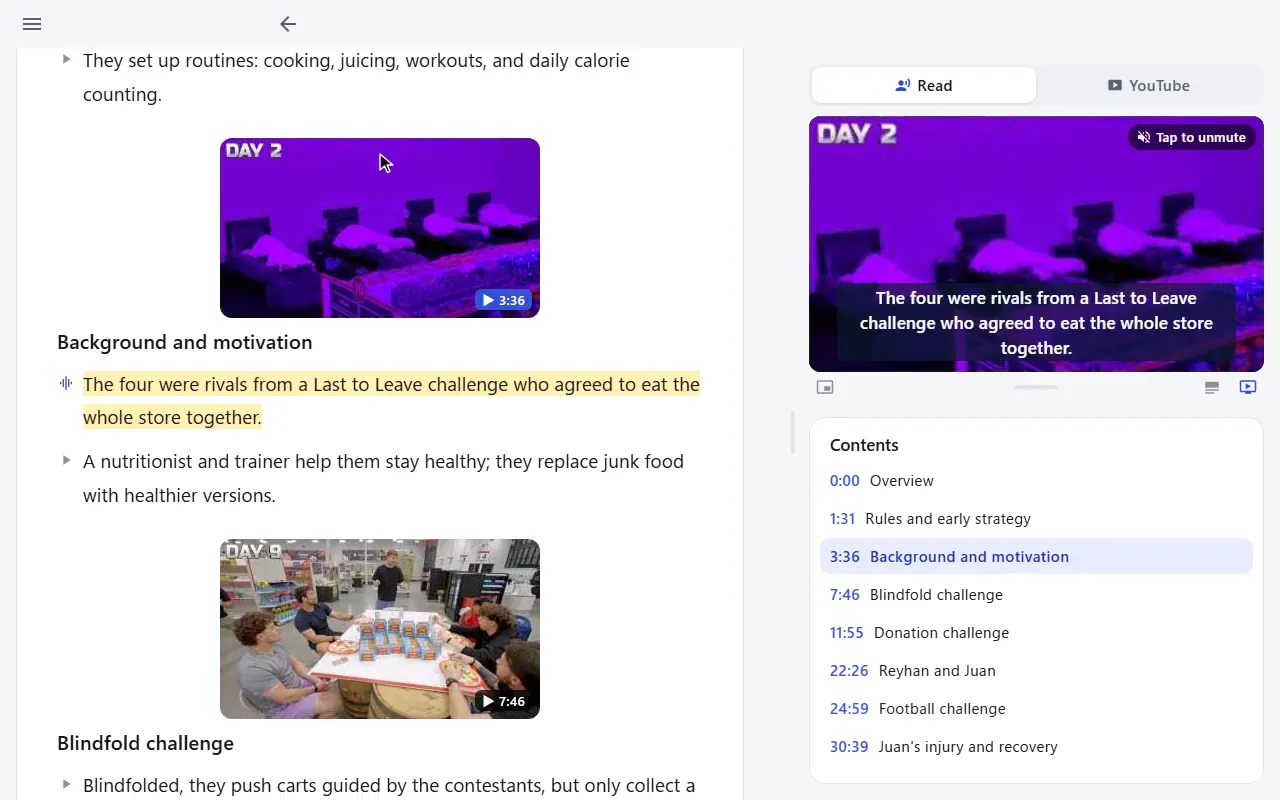
Before you commit an hour to a lecture, read a short summary. If the topic is what you need, watch it; if it covers things you know, skip to the heading that matters. Each heading has a time, so a tap opens the video exactly there.
Revise after you watch
The week before an exam, nobody wants to rewatch twelve lectures. A longer summary of each lecture (the 3,000 to 5,000 character range) gives you the structure and the key terms in minutes. Because the headings keep the video's order, the summary works as an outline you can add your own notes to.
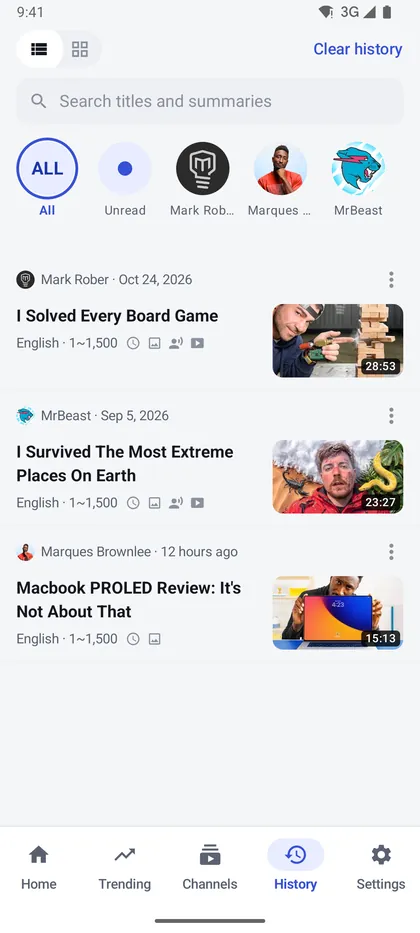
Study in another language
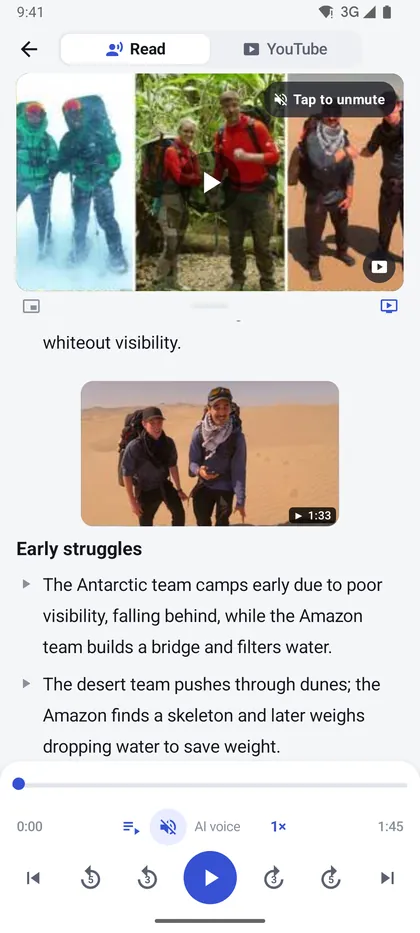
Many of the best lectures are in English, and many students study in Japanese, Chinese, Spanish or another language. Choose the summary language independently of the video's language, and read the explanation in the language you think in. The scene pictures show the diagrams and slides from the video, which stay the same in any language.
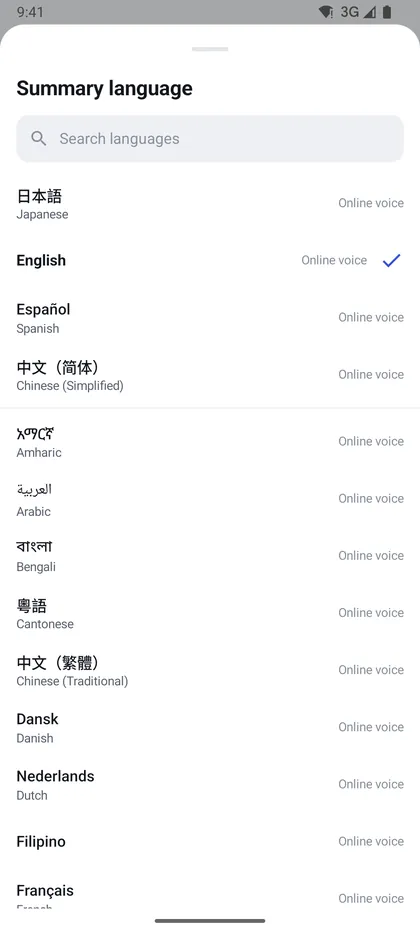
Listen while you commute
Read aloud turns a summary into audio in a natural voice, in 35 languages, with the sentence being read marked on screen. It keeps playing with the screen off, so a commute becomes review time.

A note on honest use
A summary helps you study; it does not replace understanding. Use the times to check anything surprising against the video, and use the original for exact figures, formulas and quotations.