Conference talks, product launches, earnings calls, expert interviews and industry channels now publish on YouTube first. Keeping up by watching is impossible; keeping up by reading summaries is not.
Screen a talk in two minutes
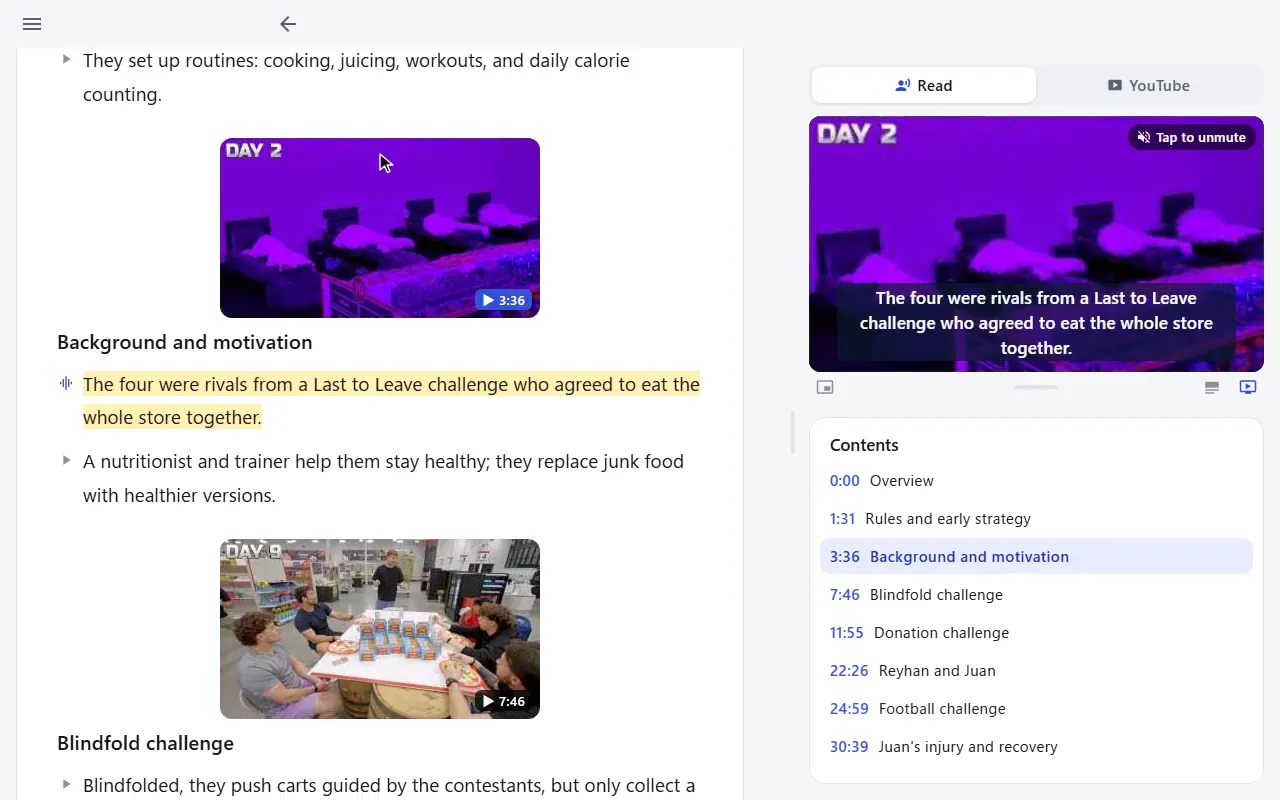
Paste a one-hour talk and choose a short summary. You get the speaker's argument, the key numbers and the conclusion, each under a heading with its time. If the talk is relevant, the times let you watch only the two sections that matter.

Follow the channels that matter
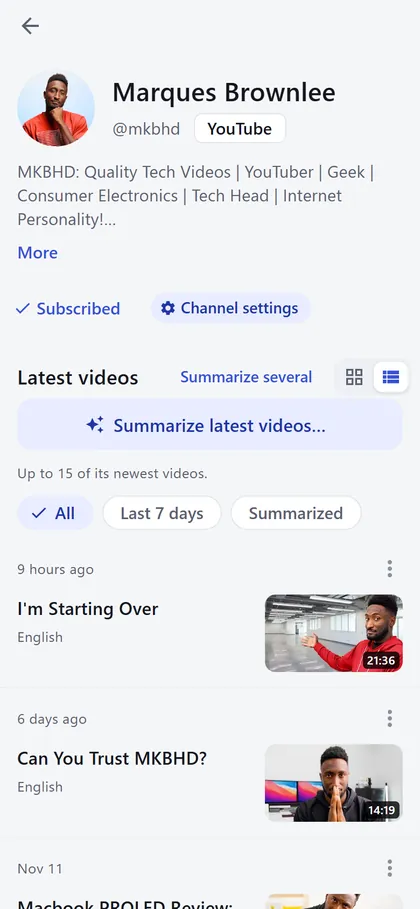
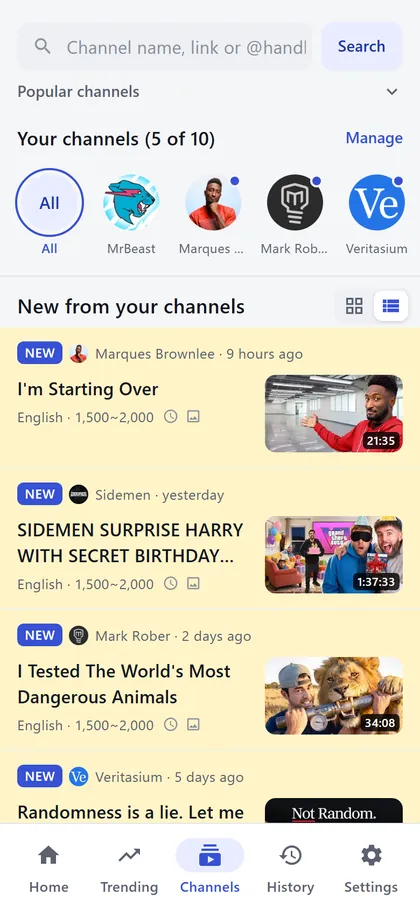
Subscribe to the channels you follow and MyTubeSummary summarizes their new videos by itself, in the language and length you chose for each channel. When you open the app there is a feed of what is new, with the summaries ready to read. A channel's latest videos can also be summarized in bulk, which is useful when you start following a source with a long backlog. If you already subscribe on YouTube, Import from YouTube lists your channels so you can pick which ones to follow here (it reads your list once, read-only).
Share the result
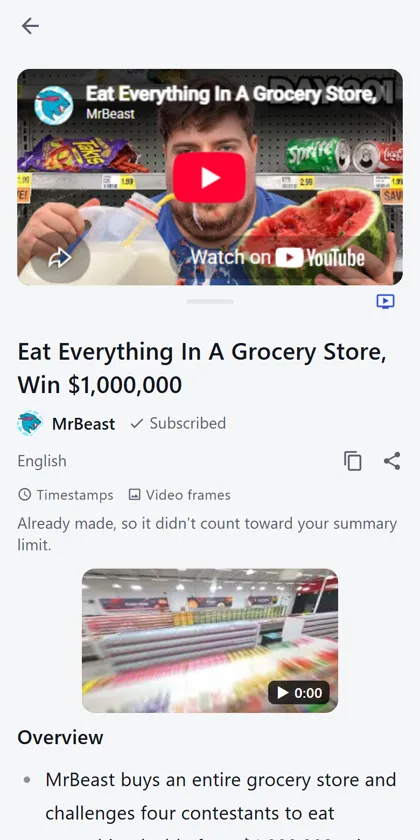
The summary image puts the key points, numbers and ending of a video on one page, with a scene from the video. It is easy to drop into a team chat or a slide, in the language your colleagues read.
Work across languages
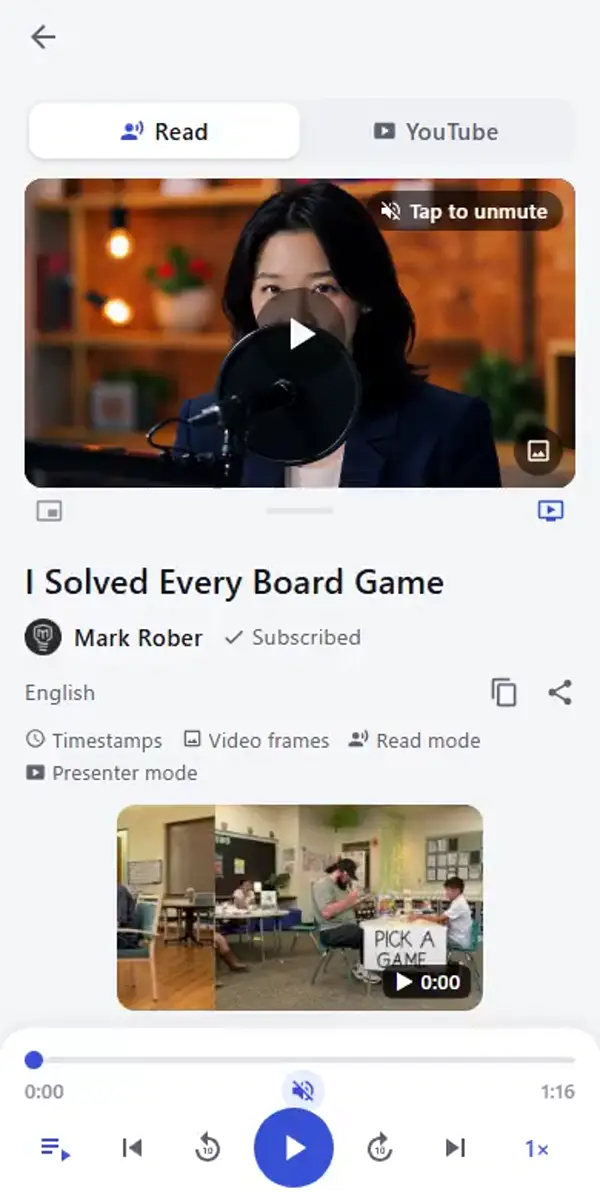
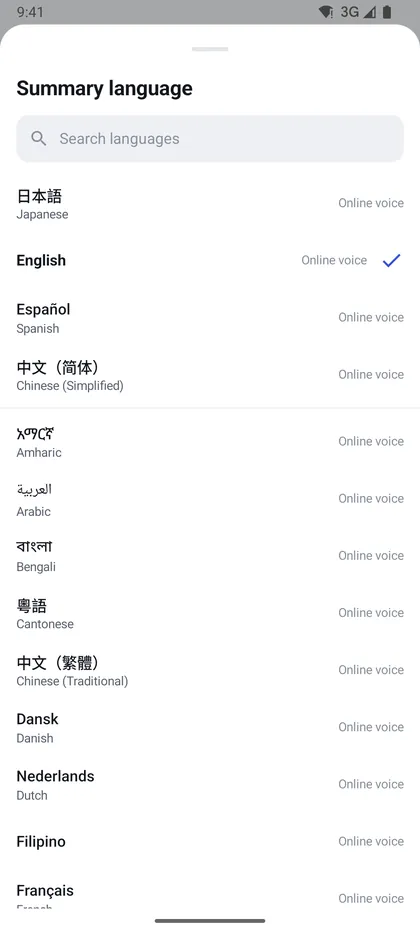
A talk in English can be summarized in Japanese for the team, and a Spanish interview in English for you. The language of the summary is a choice, not a limit of the video.
Cite carefully
For anything you will quote, publish or decide on, use the summary to find the passage and the time mark to check it in the video. Summaries are for finding and for orientation; the source is the video.