If you follow ten channels that each upload a few times a week, you cannot watch everything. MyTubeSummary turns a channel into a feed of ready-made summaries.
Subscribe once
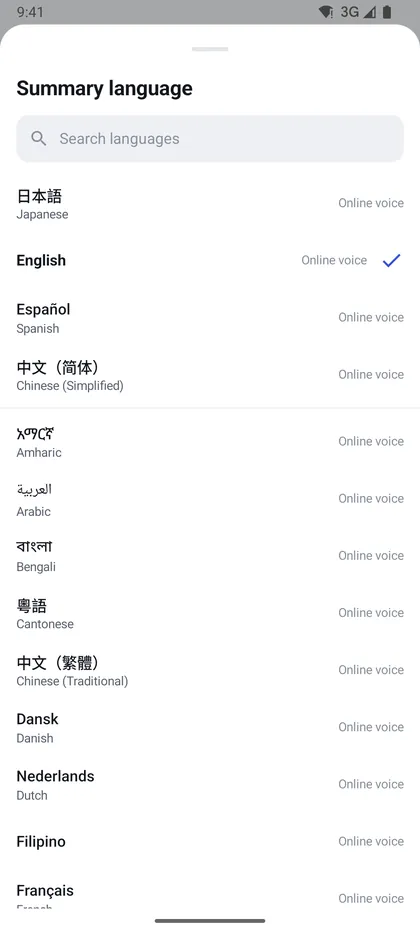
On the Channels tab, search for a channel or paste its address and subscribe. Each channel has its own settings: the summary language, the length, and the options (times, video frames, read aloud, the summary image). New uploads are summarized by themselves with those settings, and you get a notification when a summary is ready.

Summarize the latest videos at once
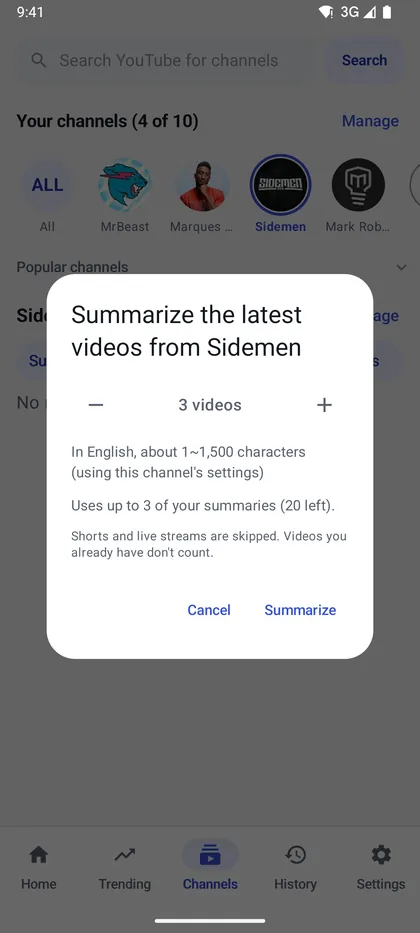
Just found a channel with fifty videos? Summarize latest lists its newest videos so you can tick the ones you want and summarize them together. The list leaves out Shorts, live streams and members-only videos, and shows which videos you already have a summary of.
Bring your subscriptions from YouTube
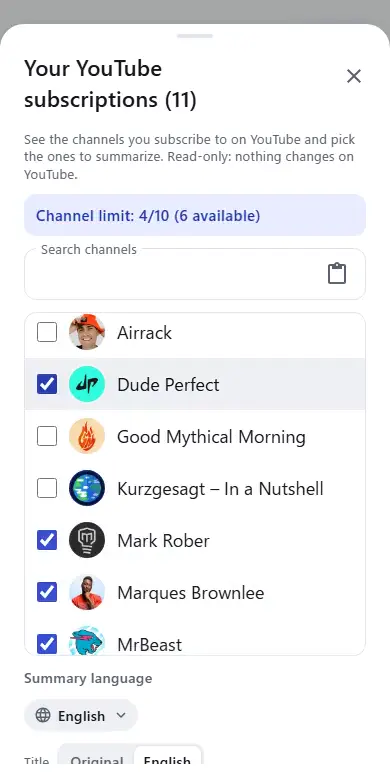
Import from YouTube shows the channels you already subscribe to on YouTube. You pick which ones to follow in MyTubeSummary. The app reads that list once, read-only, with your permission, and does not keep the list or the access; nothing changes on your YouTube account.
A feed that stays quiet
The Channels feed shows every summary of a channel's videos in one place, with what you have not opened yet marked NEW. The unread mark is shared across the web, Android and iPhone, so reading it on one device clears it on the others. Videos with no subtitles are tried again a few hours later, up to three times, and the app tells you until when.

Not for everything
Music videos and Shorts are left out of channel feeds, because there is little to summarize in them.