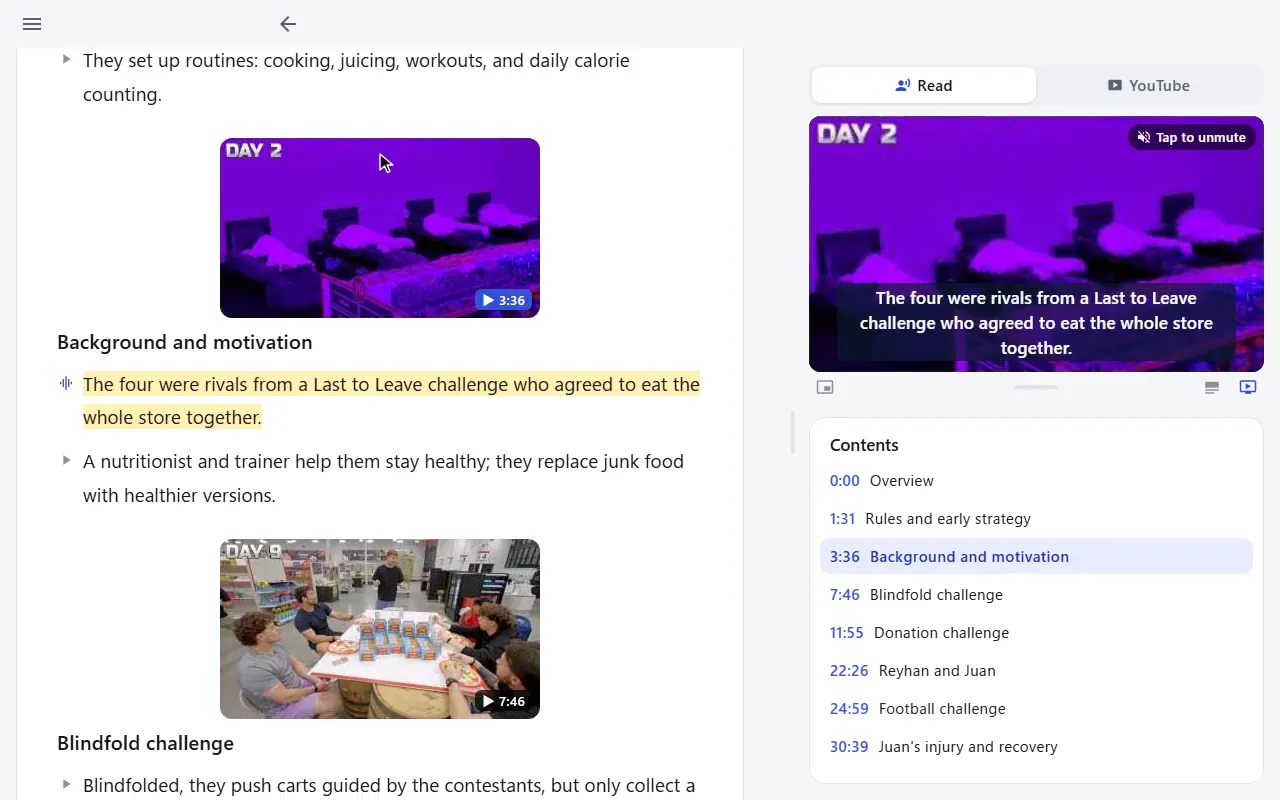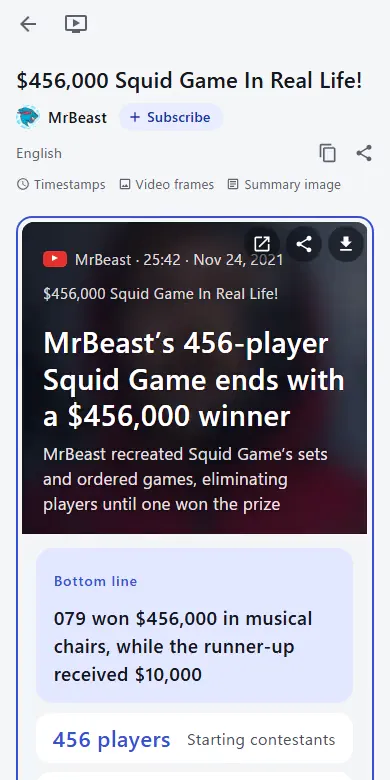
Most people have time to learn only when they are doing something else. Read aloud turns a summary into audio, so a commute or a walk becomes the time you catch up.
01
A simple routine
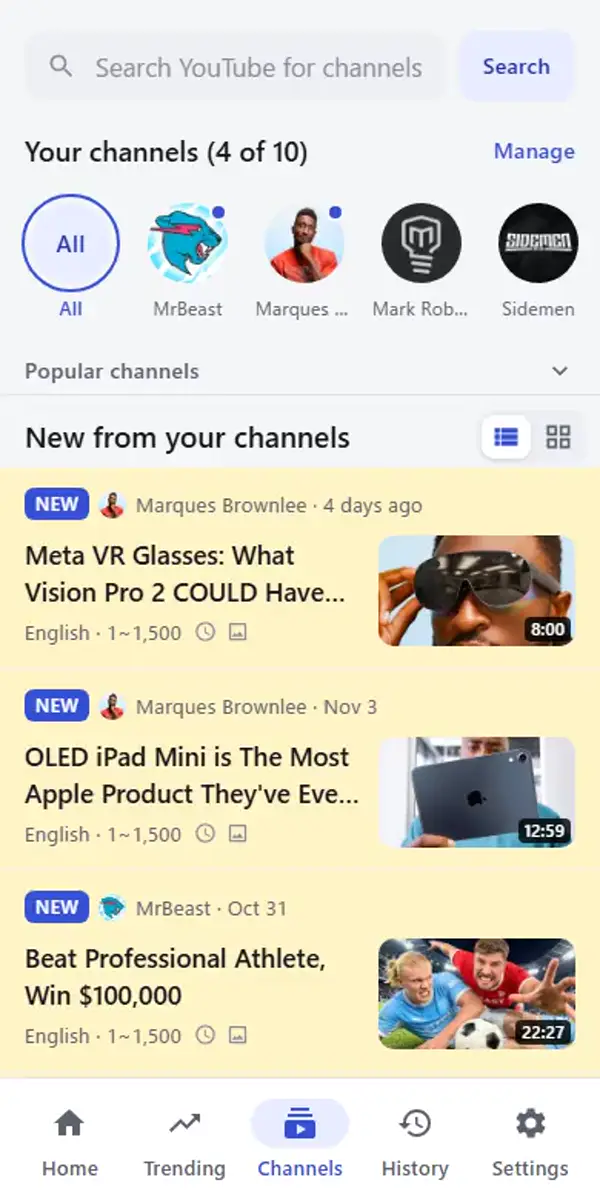
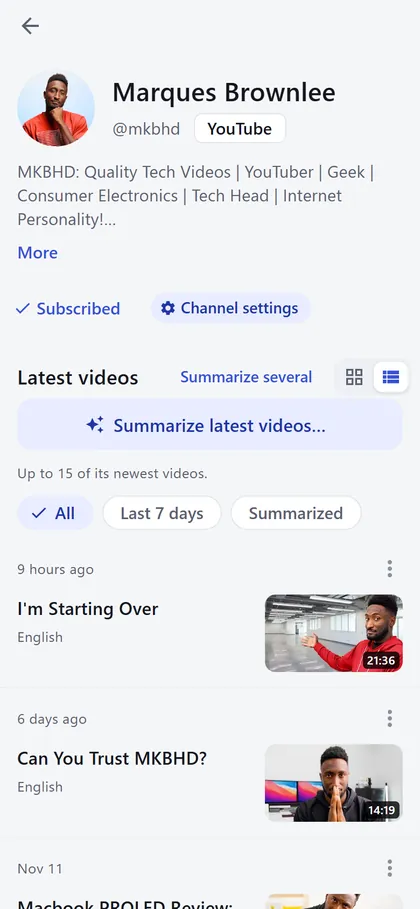
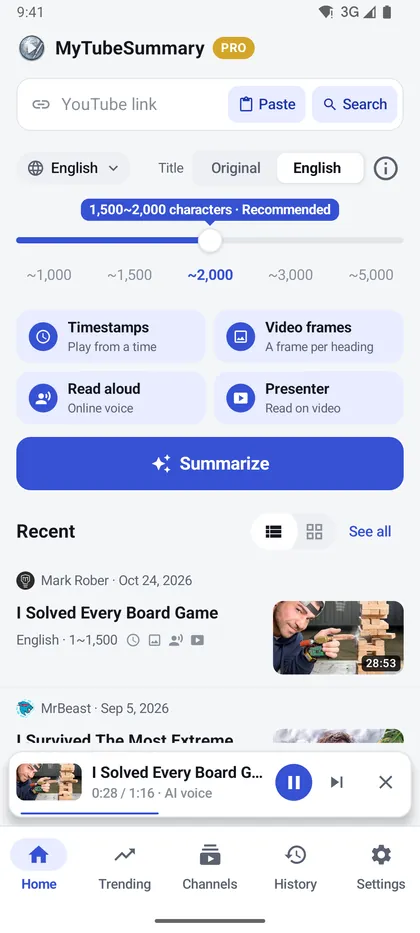
- In the morning, paste the links of the videos you saved or the channels you follow.
- The summaries are made in about a minute each, and the channels' new videos are summarized by themselves.
- Put in your headphones, open one summary and start reading aloud.
- At the end it can go on to the next summary in the list.
02
Made for listening
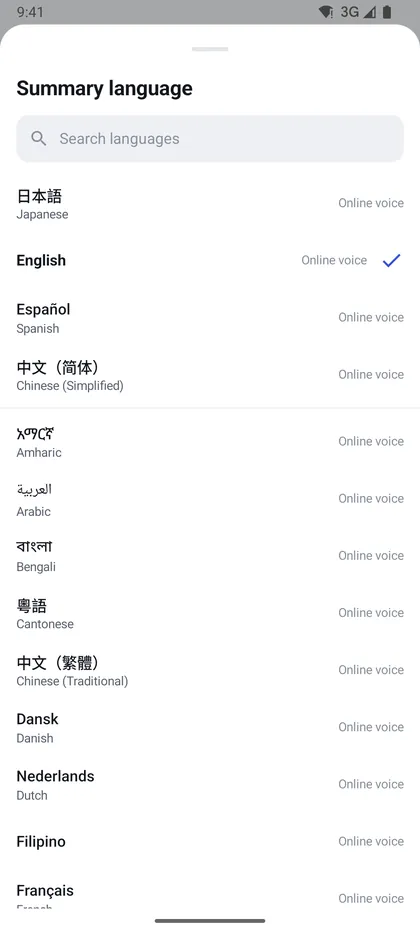
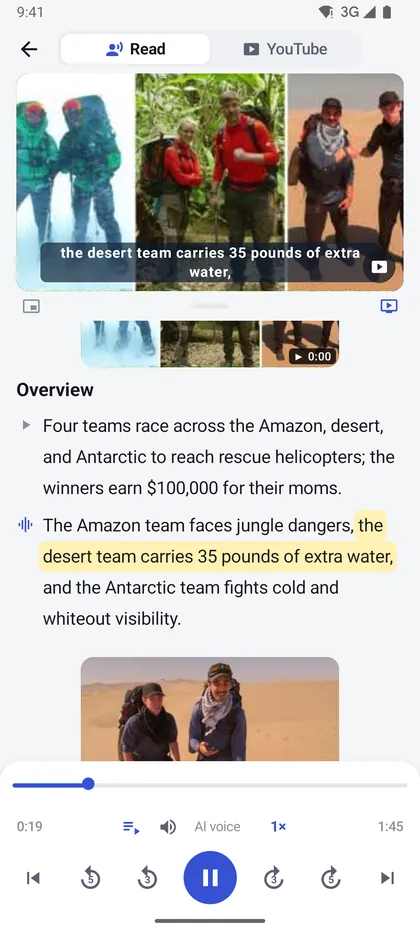
- A natural voice in your language, with the sentence being read marked on screen if you glance at it.
- Speed from 0.75x to 2x, ±10 seconds, and previous and next summary.
- It keeps playing when you leave the screen or lock the phone (on Android, with the notification and headphone controls).
Short enough to finish
Choose a short length when you want a two-minute digest, and a longer one for a talk you care about. A summary you finish is worth more than a video you do not start.
When something sounds interesting
Tap the sentence, then the time under its heading, and the video plays from that moment when you are ready to watch.
Notes
Reading aloud uses the phone's own voice where the phone has one for the language, and an online voice otherwise. The online voice is limited on Free and higher on Pro, and the apps can differ, so check the plan screen of your app.