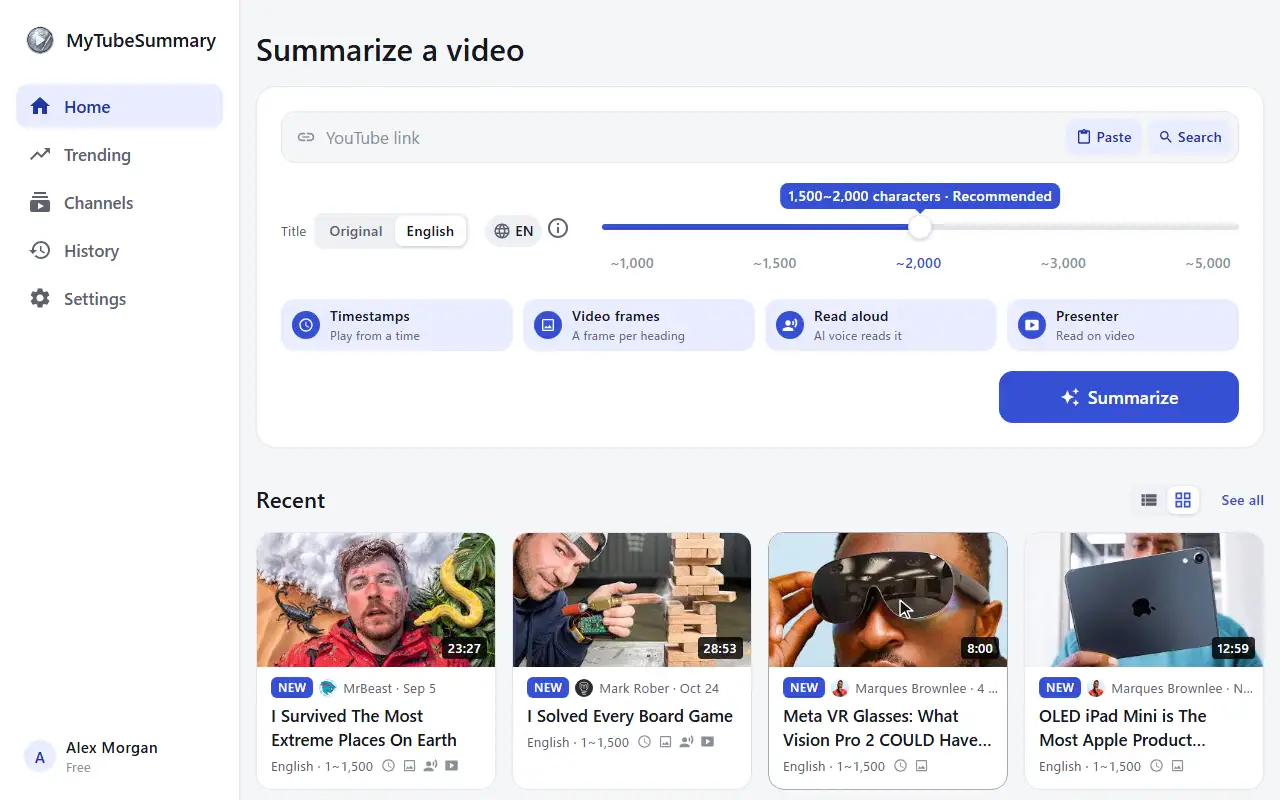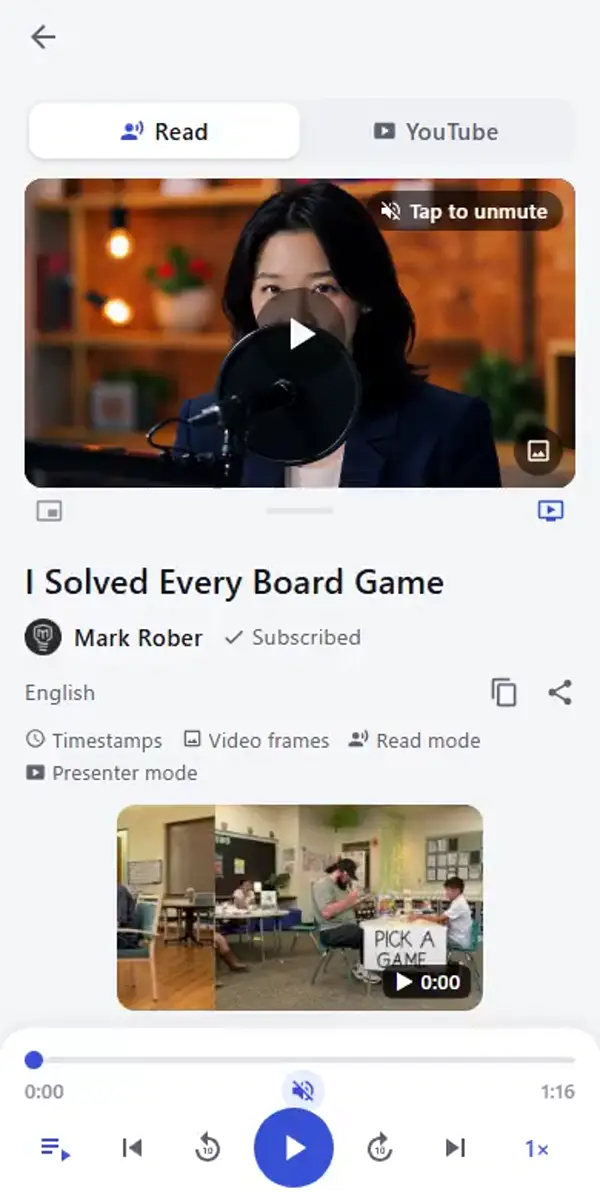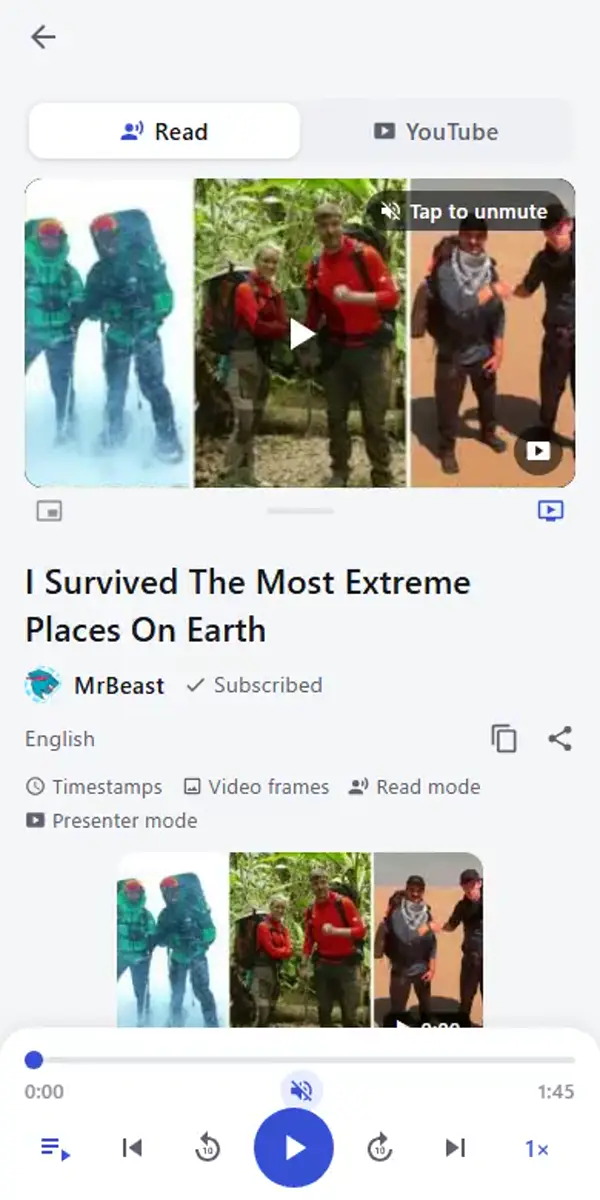
Most summaries are text. The summary image is the same summary laid out as a single picture, the size of a phone screen, so that a video's content can be taken in at a glance and shared as an image.
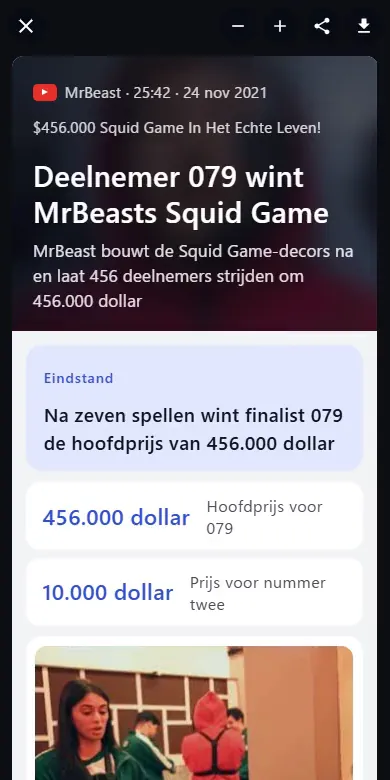
What is on it
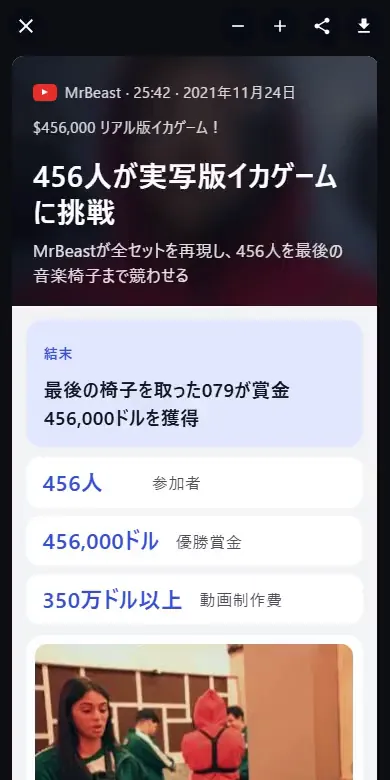
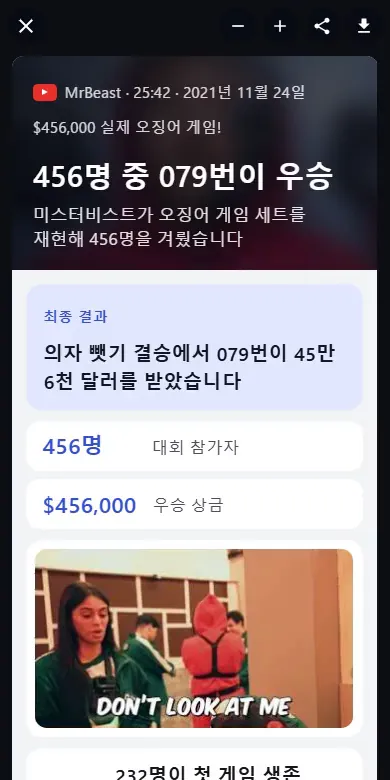
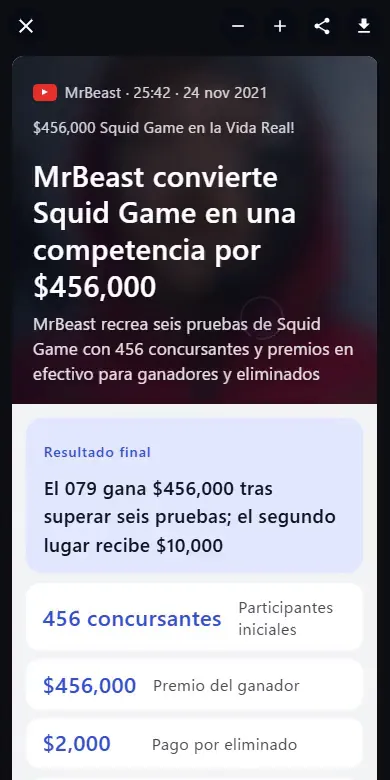
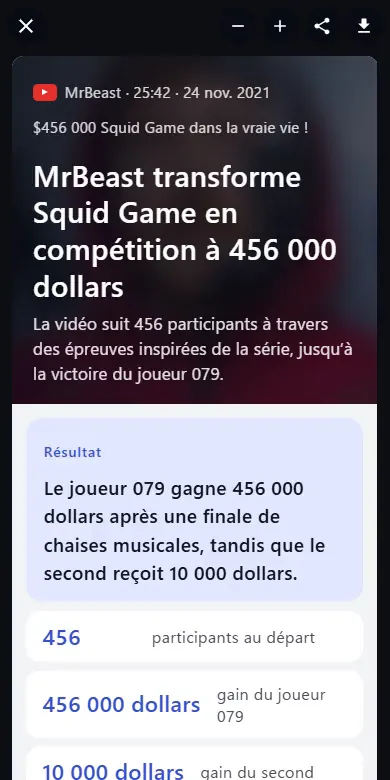
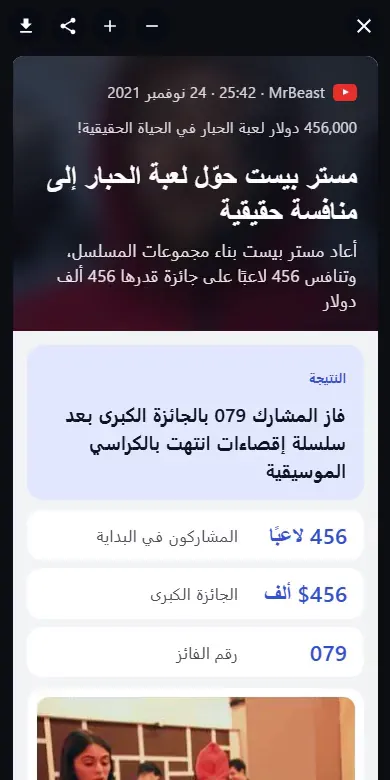
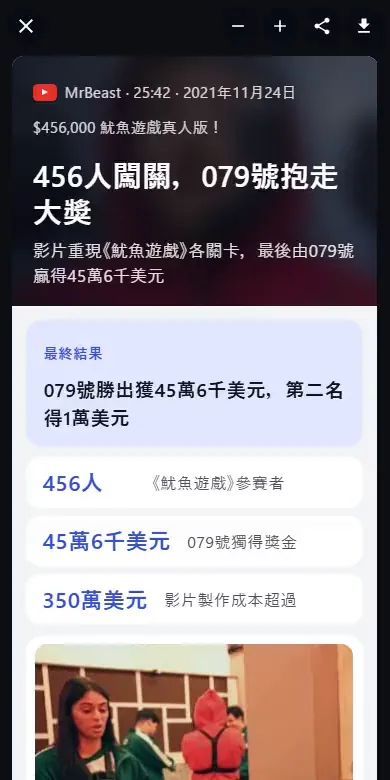
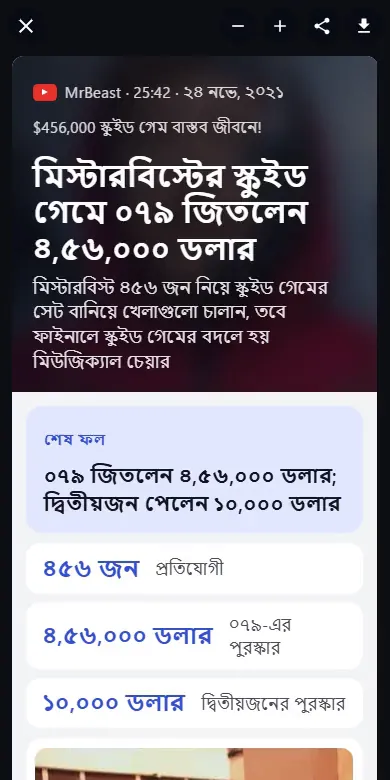
- the video's title and a headline that says what it is about, over a blurred picture from the video
- each part of the video as a short title with its points, and a frame from the video, in order
- up to three numbers the summary makes plain, each with what it counts or measures ("7x", "456 people")
- the result or conclusion, and the app's logo and address
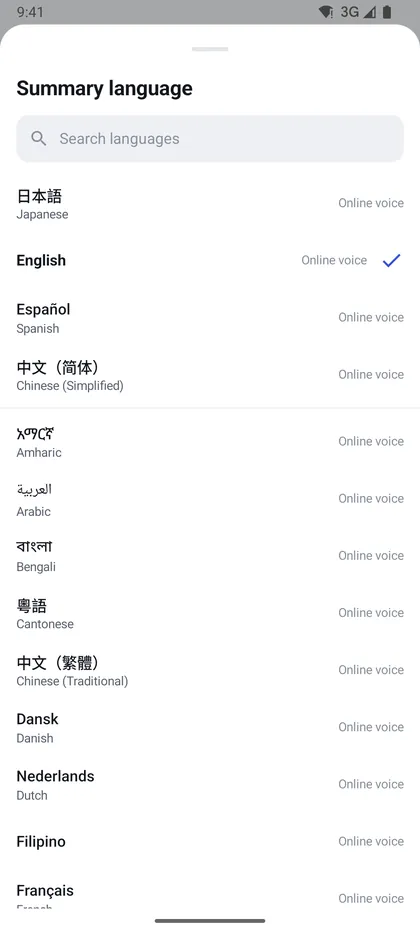
It is written in the summary language you chose, in any of the 35 languages, and checked against that language's script so that no letters from another language slip in.


How to use it
Turn on Summary image with the other options on Home (or in a channel's settings). When a summary is finished, a card with the picture appears under its header. Tap it to open it whole.
- Share sends the picture with a line naming the video and a link to MyTubeSummary.
- Save stores a high-resolution copy (1080 pixels wide) in your pictures.
- On a wide computer screen the same content is drawn as a landscape page, 16:9, which is easier to read and to put in a slide.
Why a picture
A picture is the easiest thing to send: it opens in any chat, needs no account to view, and shows the key points without a click. It is also a good way to remember what a long video said.