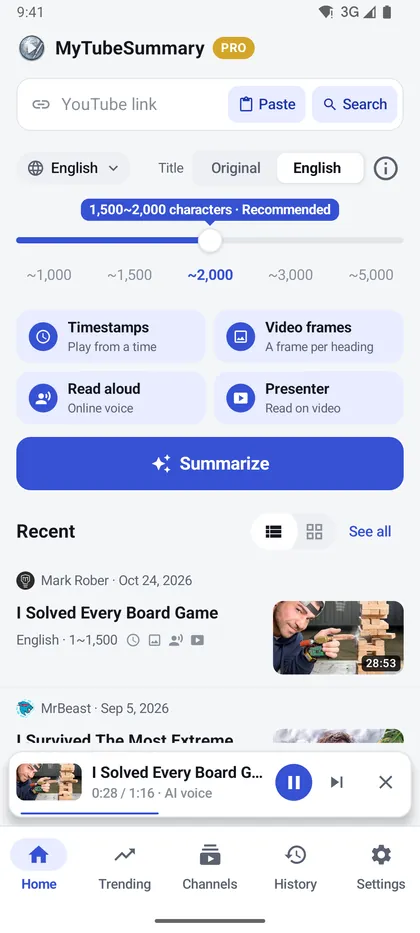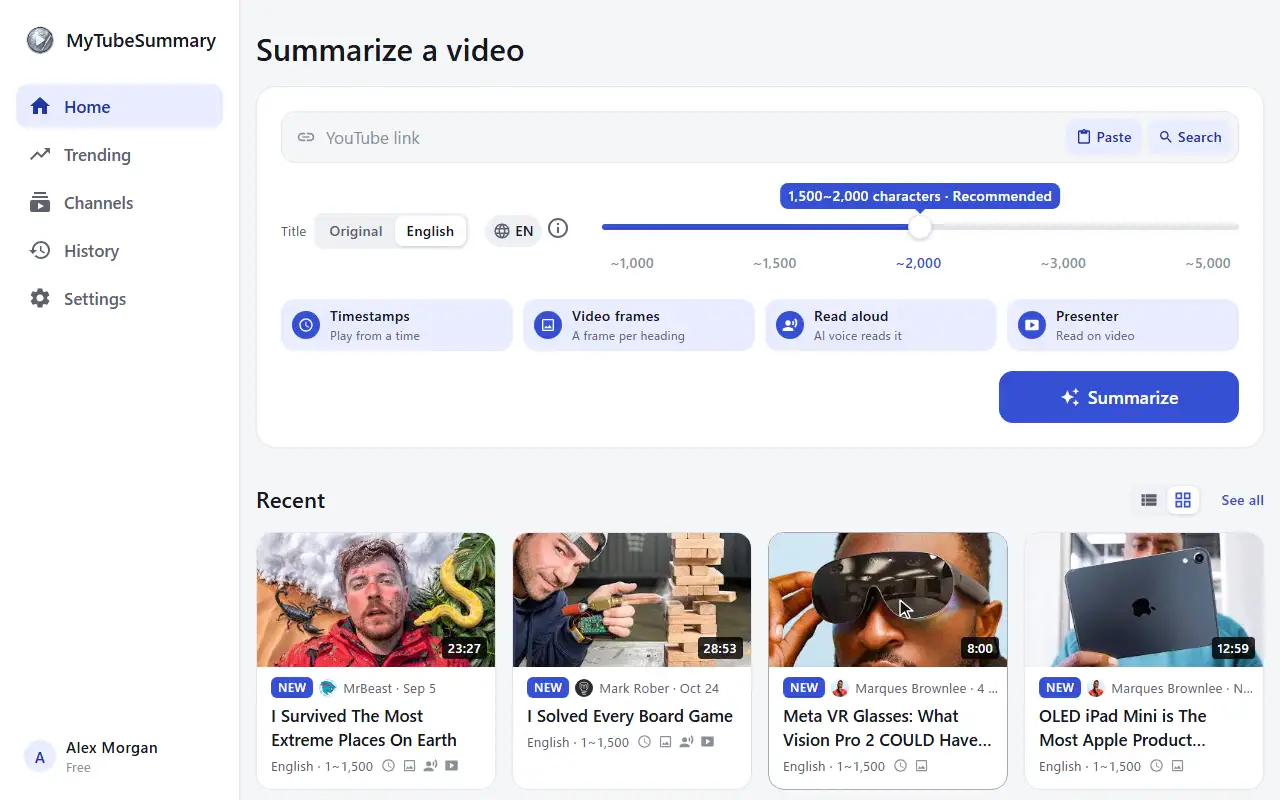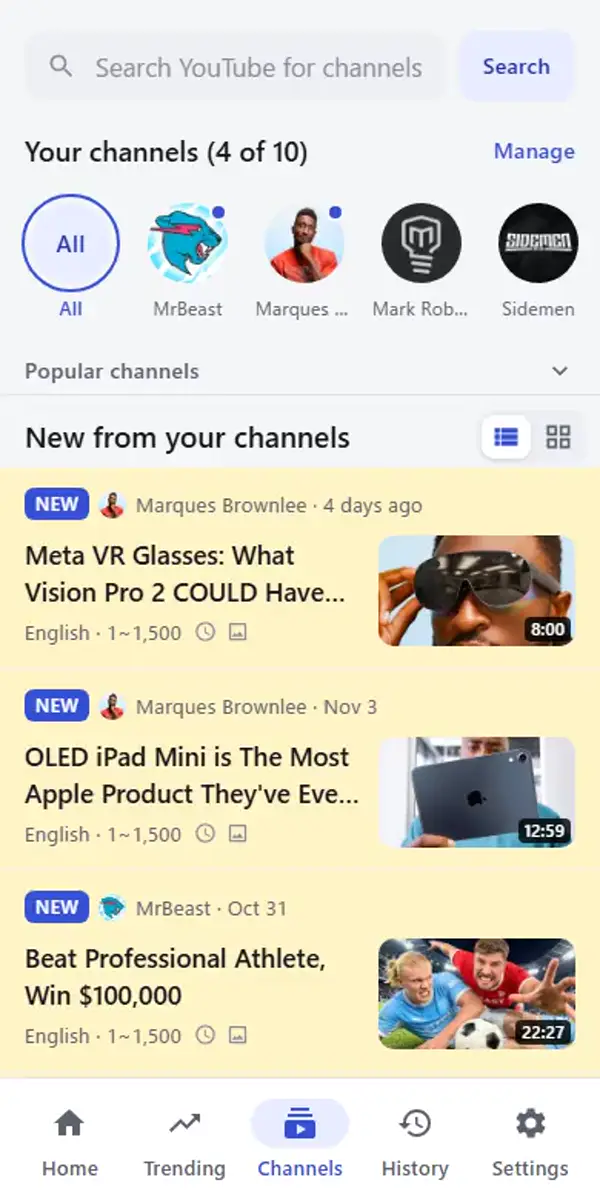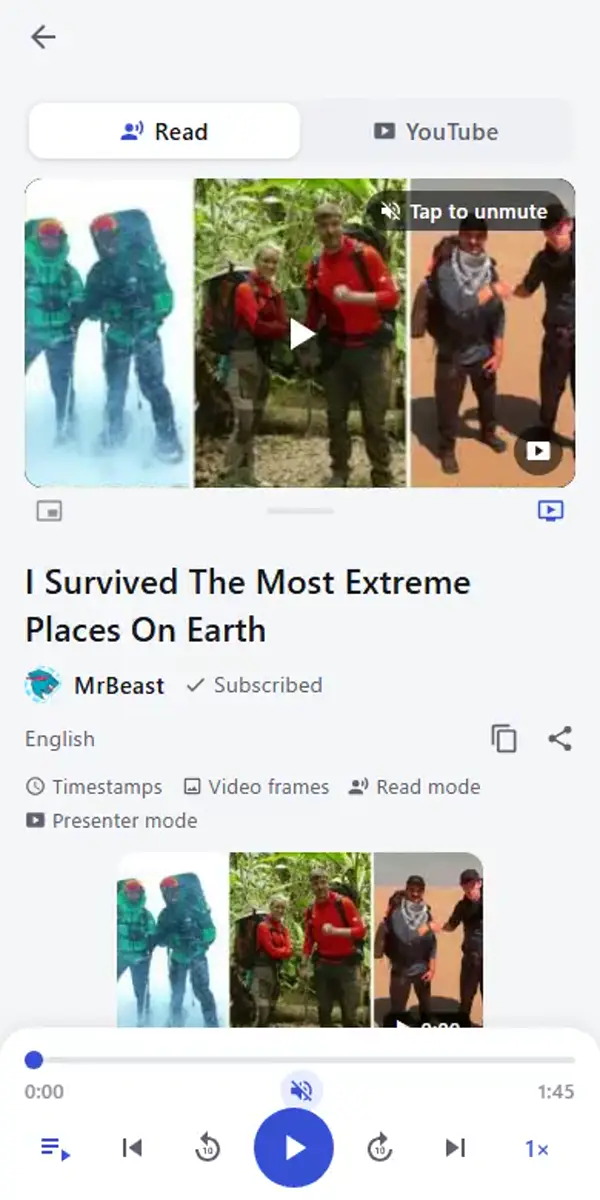
Reading a summary takes a couple of minutes; listening to one takes the same time but frees your eyes and hands. Read aloud turns any summary into audio.
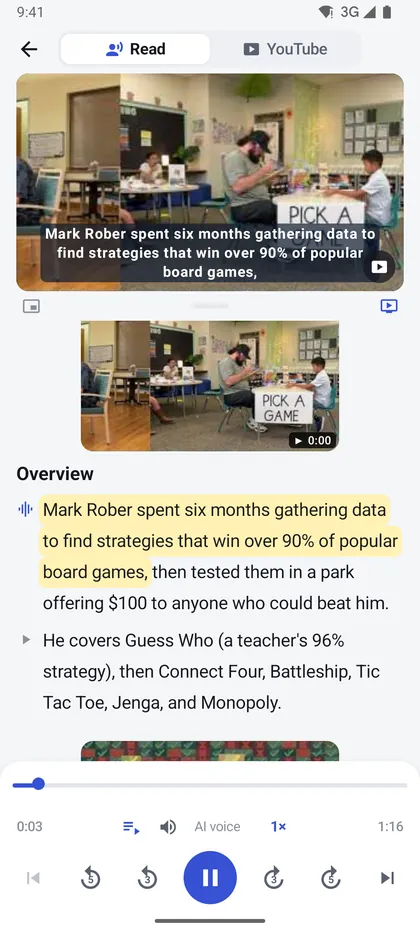
01
What you get
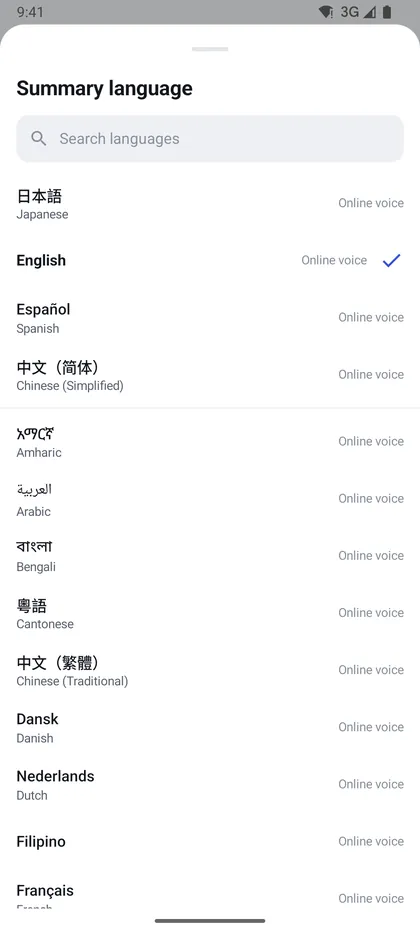
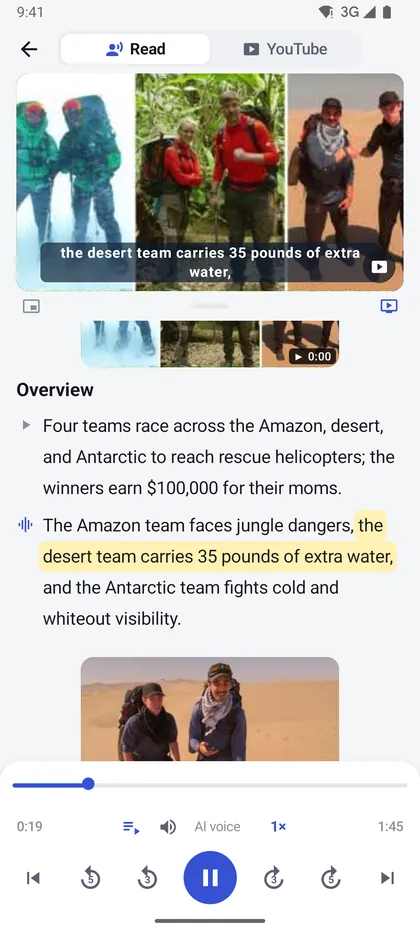
- A natural voice in the summary's language, in any of 35 languages.
- The sentence being read is marked in yellow and kept in the middle of the screen, so you can follow along. Tap a sentence to start reading from there.
- A bar at the bottom with ±10 seconds, previous and next summary, and speed from 0.75x to 2x. You choose what happens at the end: stop, or go on to the next summary in the list.
- It keeps going when you leave the summary, with a mini player on every other screen, and in the background with the lock screen and headphone controls on Android.
02
The presenter view
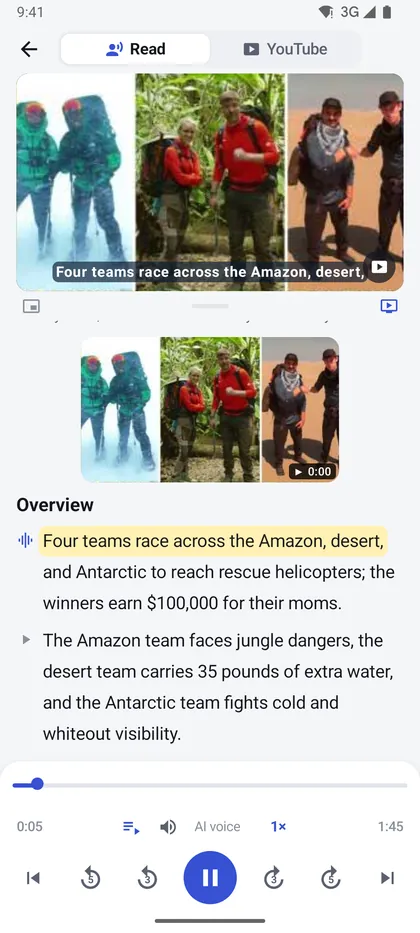
Presenter mode shows a presenter on screen, with the sentence as a subtitle, in place of the video. It is useful when you want something to look at, and you can open it in a small floating window while using another app.
03
Voices
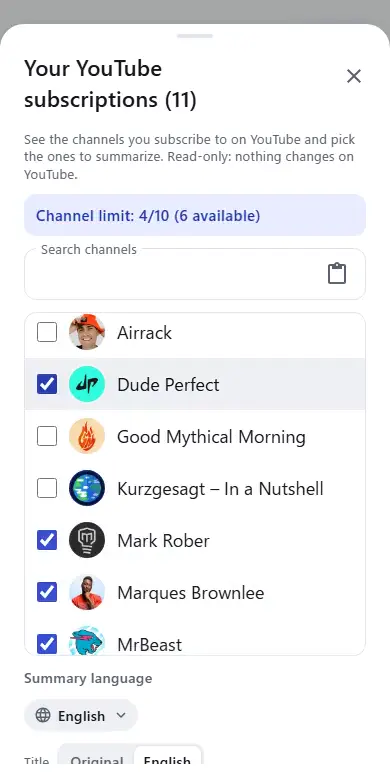
On Android and iPhone you can use the phone's own voice, without limits, for languages it has. For other languages the app uses an online voice, which is what Free and Pro plans count. The app says which one is being used.
04
Good for
- commutes, cooking, walking and exercise
- reading a long summary without tiring your eyes
- hearing how a language sounds while you read it
The audio is AI-generated speech and is labelled as such in its file, as the EU's AI rules ask.