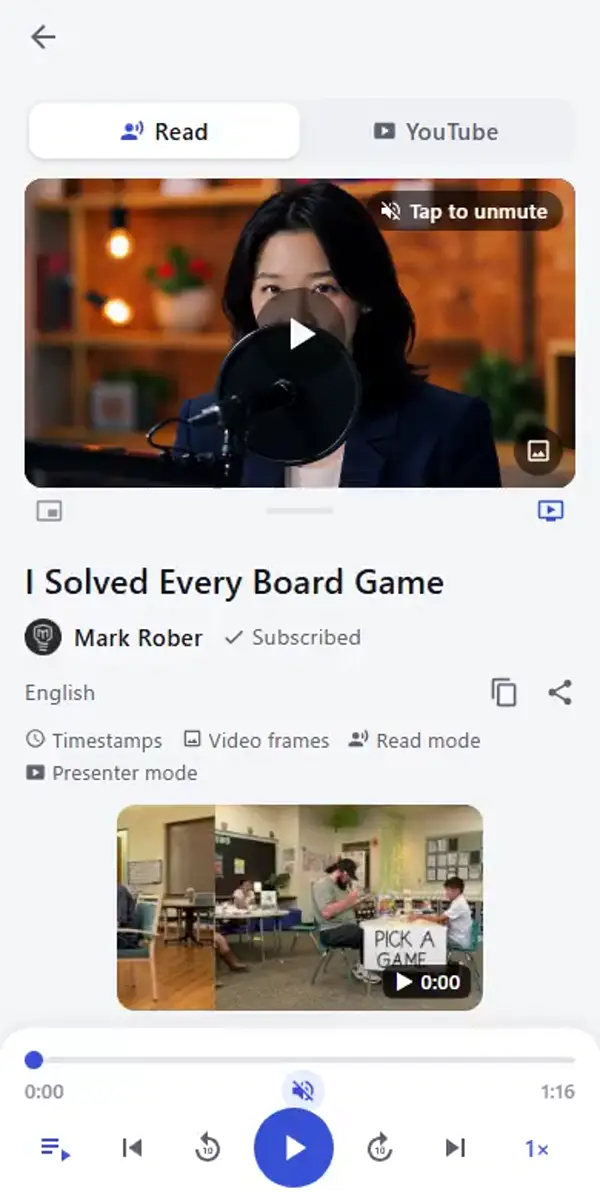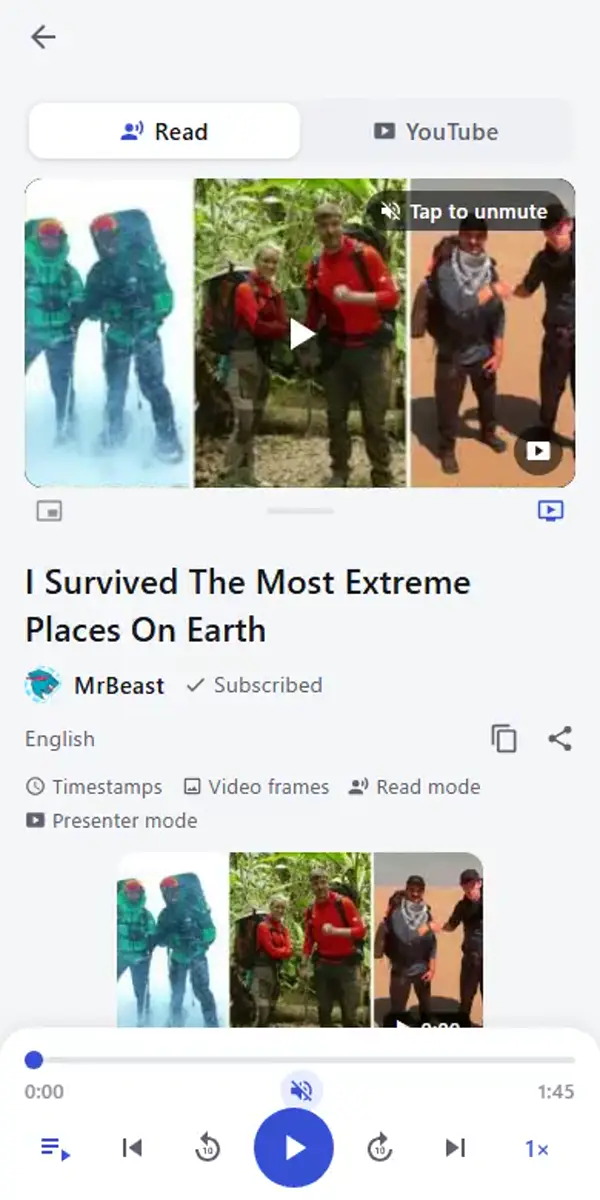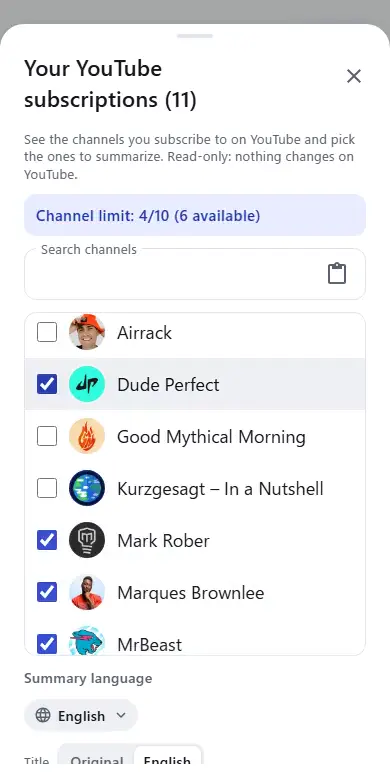
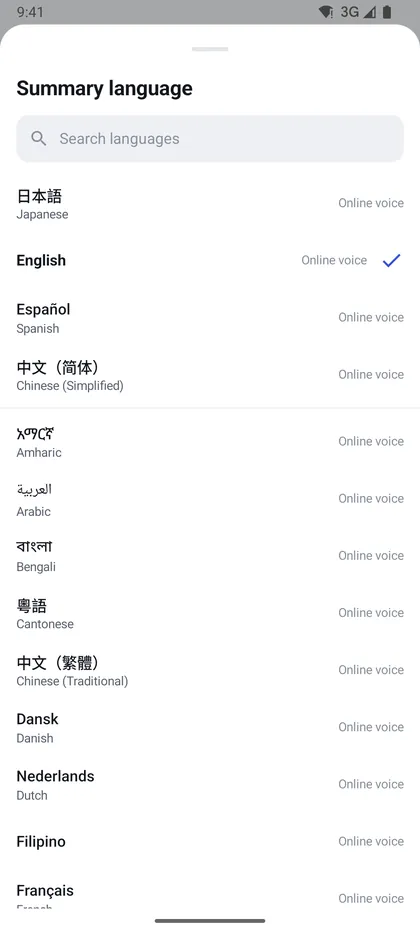
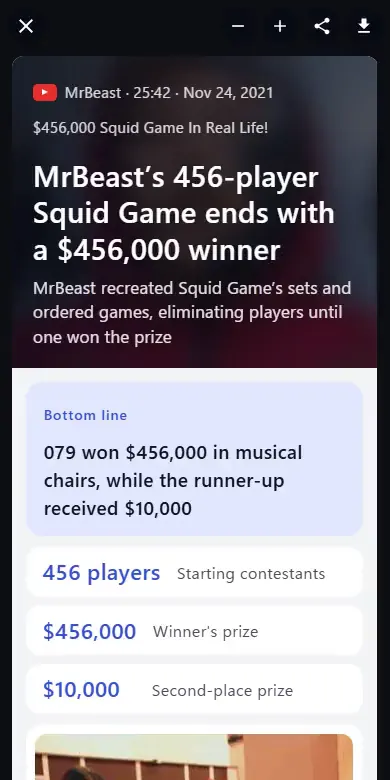
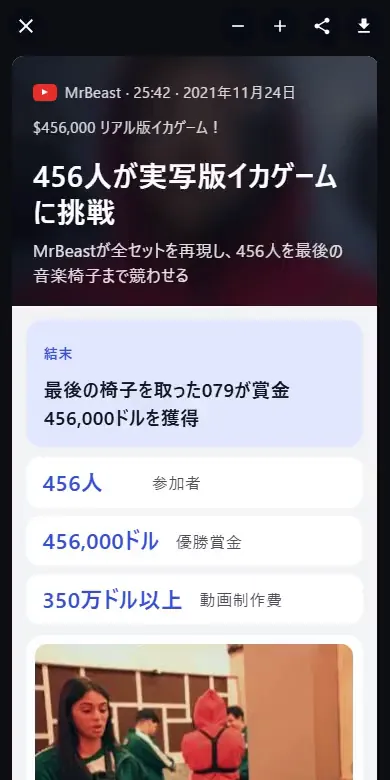
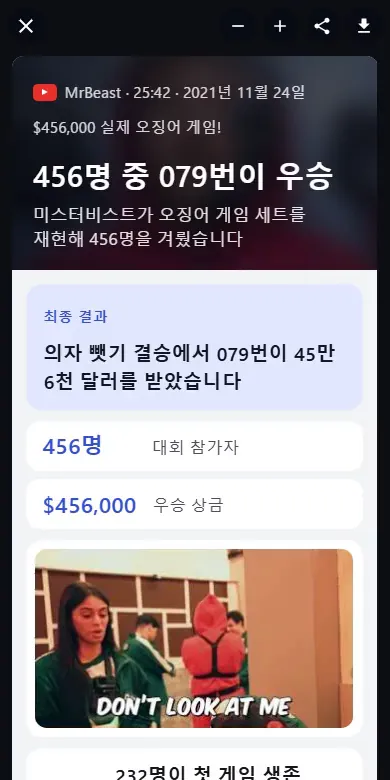
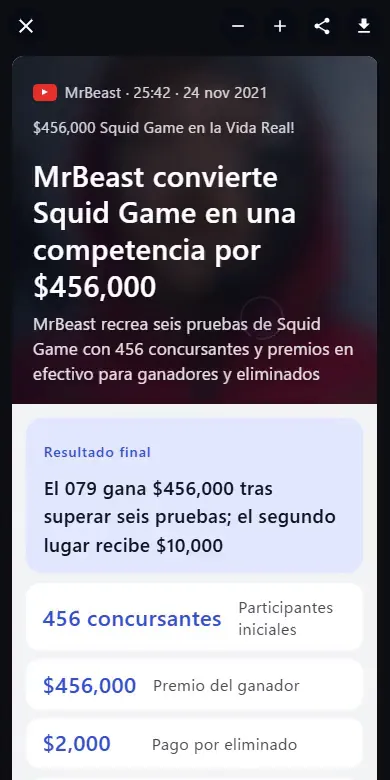
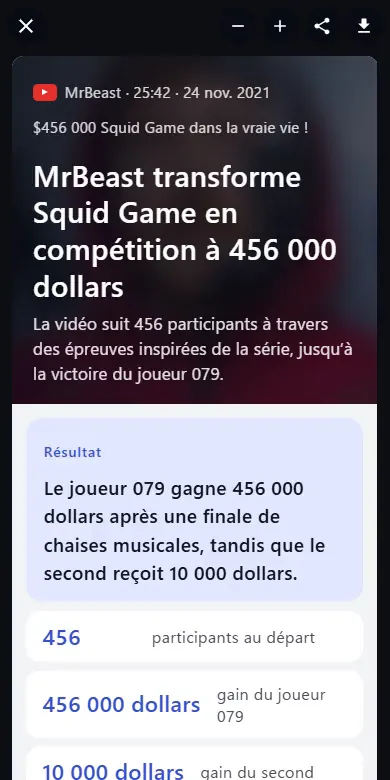
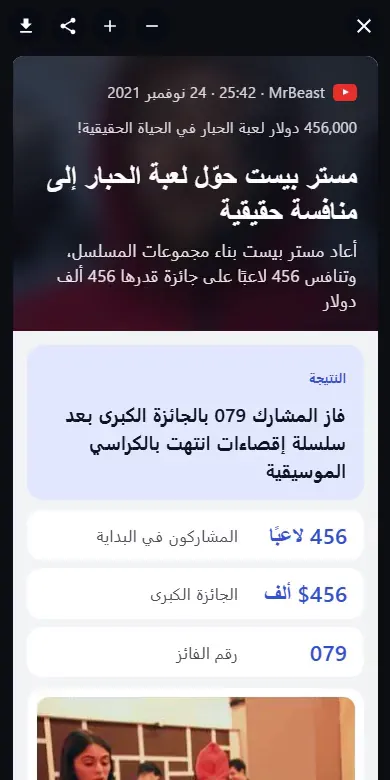
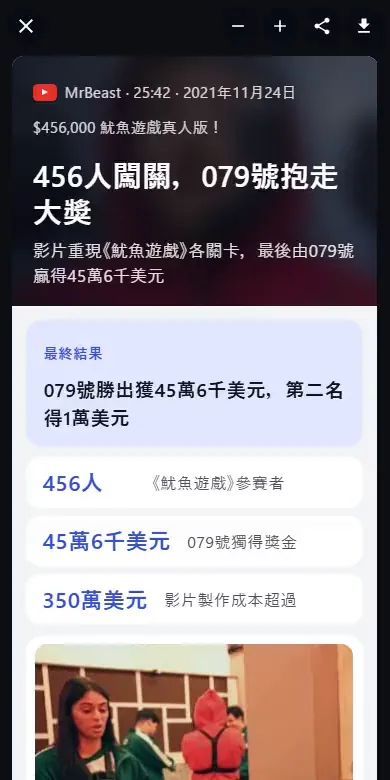
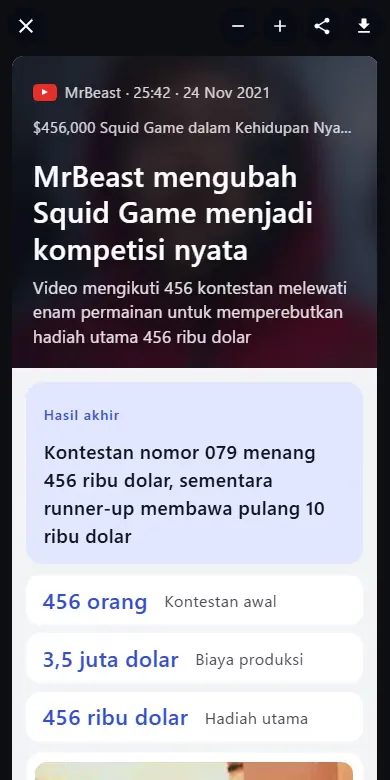
A video's language no longer decides who can learn from it. MyTubeSummary writes the summary in the language you choose, from 35: Japanese, English, Spanish, Chinese (Simplified and Traditional), Korean, Arabic, Bengali, Indonesian, French, German, Portuguese, Hindi and many more.
How it works
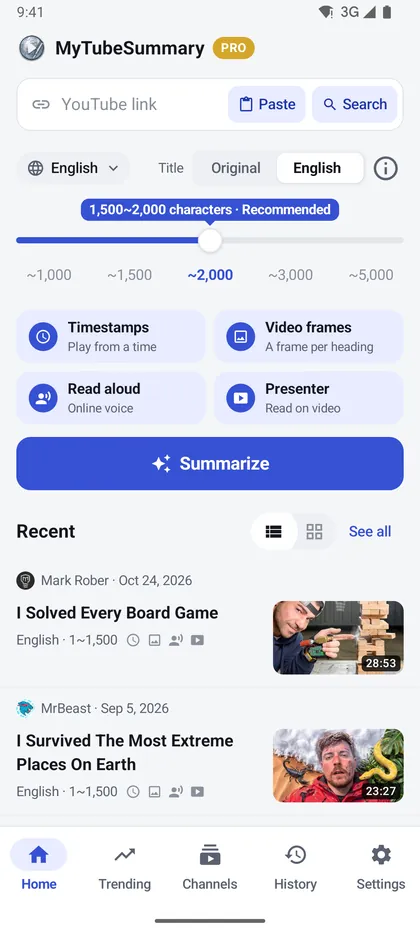
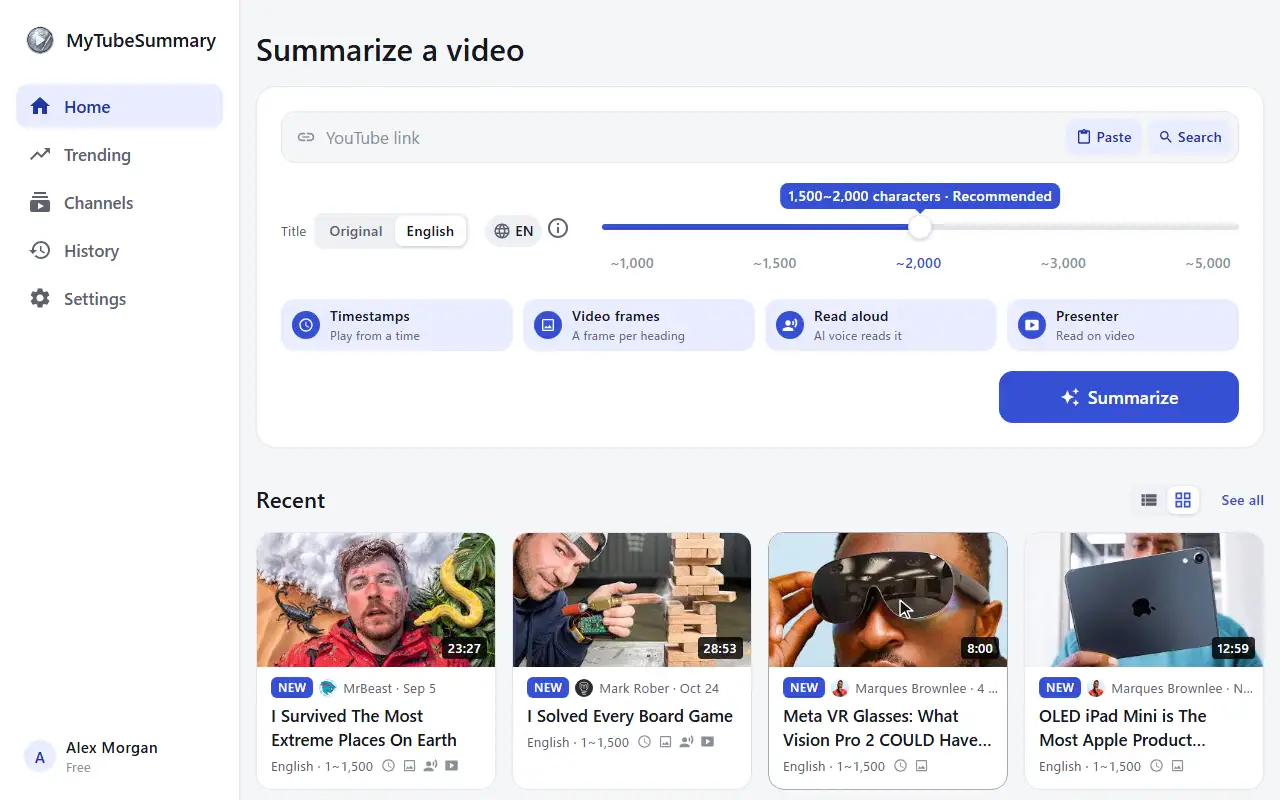
The app reads the video's subtitles, in whatever language they are, and writes the summary directly in your language. You pick the language on Home next to the length; the list shows each language in its own name and in your app's language, and the search box finds one by typing. There is also Original, which writes the summary in the language spoken in the video.
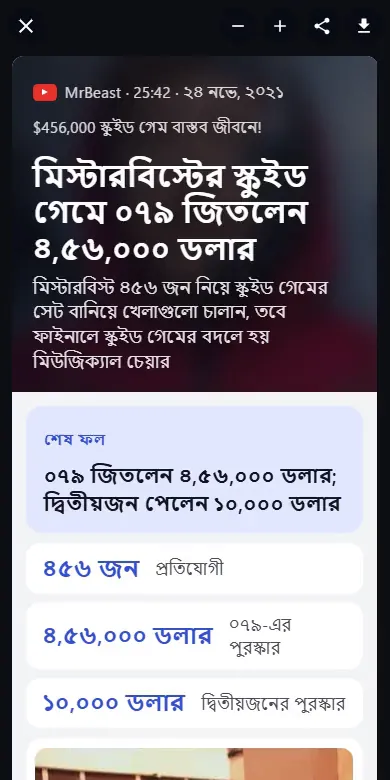
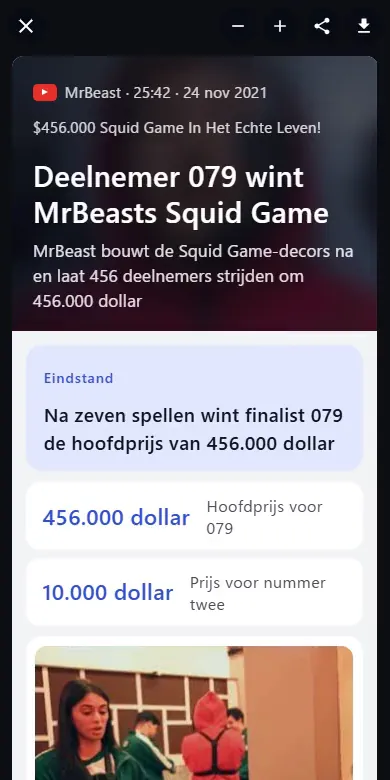
Who it helps
- Readers who prefer their own language for anything complicated, such as a technical talk or a legal explainer.
- Teams who share videos across languages: one video, a summary in each team member's language.
- Language learners: summarize a video in the language you are learning to read a short text on a topic you already know from the video, then watch the video itself for the spoken language. Or the other way round, read in your own language first and watch with the context in mind.
Reading aloud in the same language
Read aloud uses a natural voice in each language and marks the sentence being read, which also makes it a pronunciation and listening aid. Right-to-left languages such as Arabic, Hebrew and Urdu are laid out right to left.
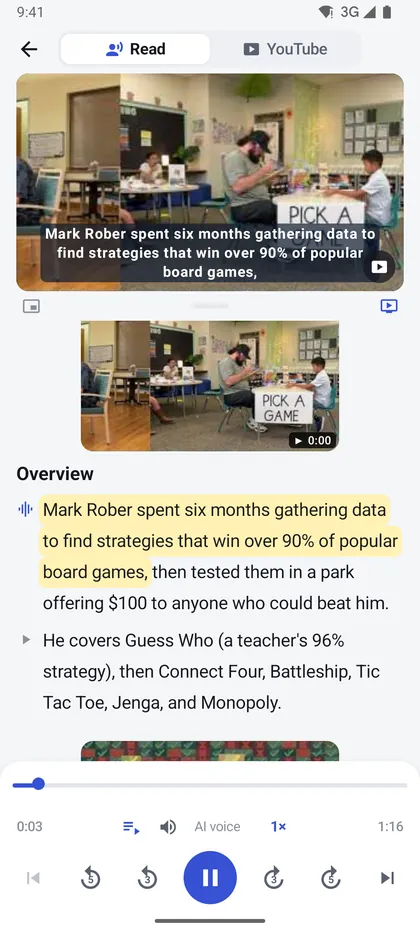
The app speaks your language too
The apps and this site are written in 13 languages (Japanese, English, Spanish, Chinese, Traditional Chinese, Arabic, Bengali, Danish, Dutch, Filipino, French, Korean and Indonesian), chosen from your phone's or browser's language. The summary's language is separate: the app can be in Japanese while a summary is in Spanish.